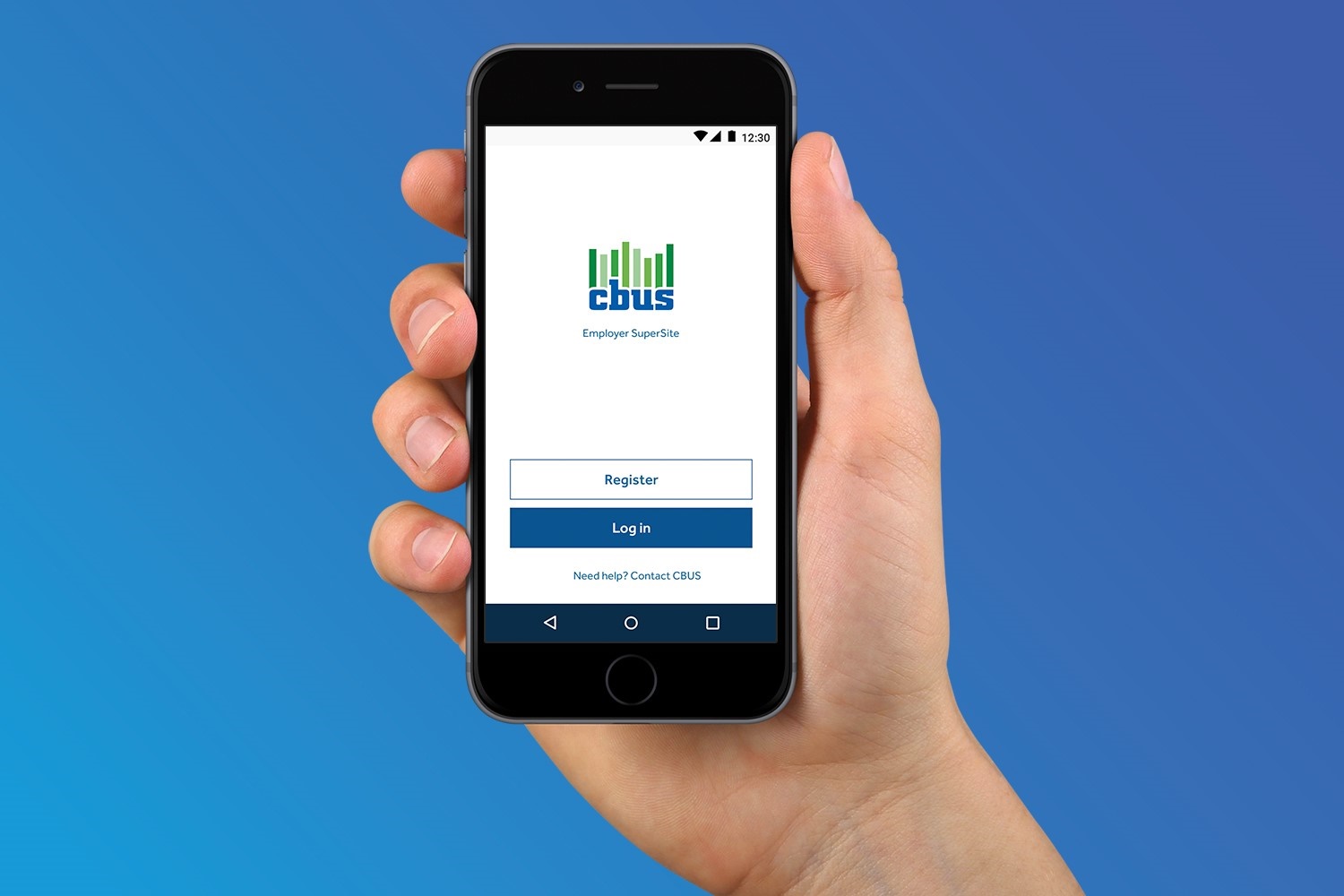
Keeping your super safe really matters to us. We already use a one‑time passcode when you log in to the Member portal and the same extra layer of protection will be used in the CBUS app.
How does it work?
When you log into your CBUS account via the Member portal or the app, you'll receive a one-time passcode by SMS. The code will only stay valid for a short time so it's important your mobile number is up to date. Call us on 1300 361 784 if you need to update your details.
Enter your member number and password as usual.
You'll receive a one-time passcode to your registered mobile number by SMS.
Enter the code to complete your login.
FAQs
What is one-time passcode?
A one-time passcode is an extra layer of security used to help protect your account when you log in to the Member Portal. It's part of what's called Multi-Factor Authentication (MFA), which means you need more than just your password to confirm your identity. This helps protect both the Member Portal and app from unauthorised access.
Why does my one-time passcode come from United Super?
When you receive your one-time passcode, you will see United Super as the sender. This is expected and forms part of our secure login process to help protect your account.
Will Face ID, Touch ID or my PIN still work in the CBUS app?
Yes, if you already use Face ID, Touch ID or a PIN to access the app, you can keep using it.
If you haven’t set these up yet, you may need to turn them on or create/confirm a PIN. This depends on your device and app settings.
What if I don’t receive my one-time passcode?
First, check that your mobile number is up to date. If you still have trouble logging in, contact us and we'll help you get back into your account.
Session timeouts
If you’re logged into your account and haven’t used it for a few minutes, your session will automatically time out. This helps protect your personal information, especially if you’ve stepped away from your device. To continue, log in again and pick up where you left off.
Why do I need to update the CBUS app and does my device version matter?
To support the latest security updates, you may need to be on the latest version of the CBUS app. If the version you're using is no longer supported, you’ll be prompted to update it before you can continue.
In some cases, your device may also need an operating system update before the latest app version can be installed.
Access from overseas
For your security, access to your account is restricted in some overseas locations. If you’re in one of these countries, you won’t be able to log in until you return to a permitted location.
These restrictions help protect your account from unauthorised access. If you have any questions or need help while travelling, please contact us for assistance.
Where to next

Be on alert for super scams
Protecting yourself from financial scammers is vital to keep your super safe.

Is your mobile current?
Please check that your mobile number is up to date. If you need to make changes, call us we're here to help.